
Guide · iPhone, iPad, Mac & Android
CSV, Excel, vCard, PDF or Word: which contacts format do you need?
Short answer
Use vCard (.vcf) to move contacts to another phone or keep a backup, Excel (.xlsx) to read, sort and share a list, CSV to upload to a CRM or mailing tool, PDF to print, and Word to edit a list before printing. Contaxo exports all five from the same contacts, with the same columns and filters.


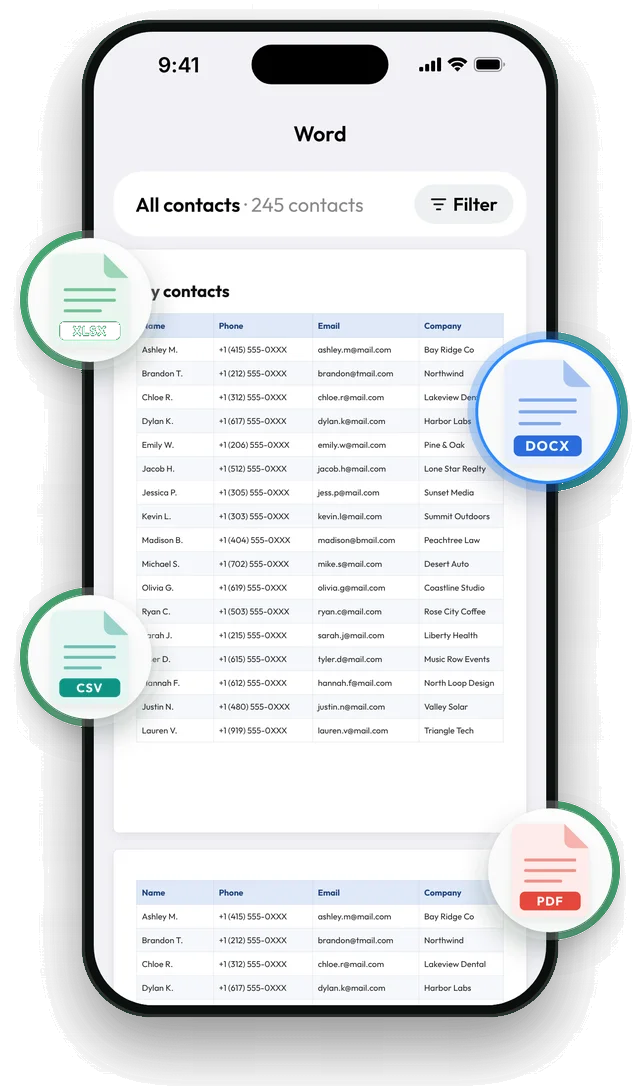
Export in any format with Contaxo
Pick the format
On the Home tab of Contaxo, tap Excel, PDF, CSV or Word, or Share Contacts for a vCard.
Choose the columns
Keep only what the file is for, for example name and phone for a printed list.
Filter
Export one group, or only contacts with a phone number, an email or a company.
Export
Tap Export and save or send the file.
The quick chooser
| You want to | Use | Why |
|---|---|---|
| Move contacts to another phone | vCard | Every phone imports it, with photos and labels |
| Keep a backup | vCard | Restores anywhere |
| Read, sort or share a list | Excel | Opens as a table in Excel, Numbers and Google Sheets |
| Upload to HubSpot, Mailchimp or a CRM | CSV | The format every import tool accepts |
| Print a phone list | Looks the same on every printer | |
| Edit a list before printing | Word | Change fonts, add notes and headings |
What each format keeps
| vCard | Excel | CSV | Word | ||
|---|---|---|---|---|---|
| Photos | Yes | No | No | No | No |
| Several numbers per person | Yes | Yes, one row | Yes, one row | Yes | Yes |
| Import back into a phone | Yes | With Contaxo | With Contaxo | No | No |
| Edit easily | No | Yes | Yes | No | Yes |
| Print nicely | No | Possible | No | Yes | Yes |
What your phone can do without an app
iPhone and Android export only vCard files. Google Contacts on a computer adds CSV. For Excel, PDF and Word from your phone’s contacts, you need an app such as Contaxo.
Frequently asked questions
Which format keeps the most detail?
vCard. It keeps photos, labels (mobile, work, home), several numbers and emails per person and birthdays, and every address book can import it.
Is CSV the same as Excel?
No. CSV is plain text with commas between values; it has no formatting and can lose leading zeros or special letters when opened carelessly. An .xlsx file keeps every character and opens as a table directly.
Which format should I use for a backup?
vCard. It is what phones use to import contacts, so you can restore it anywhere. Contaxo's backup saves one for free.
Can I turn a vCard into Excel later?
Yes, see How to open a VCF file in Excel. It's easier to export Excel from your phone directly.
Related
- Export formatHow to export your contacts to ExcelTurn your iPhone, iPad or Android contacts into a real Excel (.xlsx) spreadsheet in a few taps, with a preview, column picker and filters. No computer needed.
- Export formatHow to export your contacts to a CSV fileSave your iPhone, iPad or Android contacts as a UTF-8 CSV file for Google Sheets, CRMs, mailing tools and mail merge. Pick columns and filter first.
- Export formatHow to export your contacts to a vCard (VCF) fileSend many contacts at once as one vCard (.vcf) file by WhatsApp, Mail, Messages, AirDrop or Quick Share. The person who gets it adds everyone in one tap.
- Export formatHow to export and print your contacts as a PDFMake a printable PDF contact list from your iPhone, iPad or Android phone. Choose the columns, preview every page and print or share it.
- Export formatHow to export your contacts to WordTurn your phone contacts into an editable Word (.docx) table for a phone list, directory or handout. Preview every page, choose columns and filter.
Your contacts, in any file you need.
Free to download for iPhone, iPad, Mac and Android. No account, and we never see your contacts.