
Guide · iPhone, iPad, Mac & Android
How to make a printed phone book for an elderly parent
Short answer
Put the people your parent needs in one group, then in Contaxo tap PDF, keep only the name and phone columns and filter to that group. Fewer columns make the text larger. Tap Export and print. To change the font size or add notes such as "Doctor" or "Neighbour", export to Word instead and edit the table before printing.


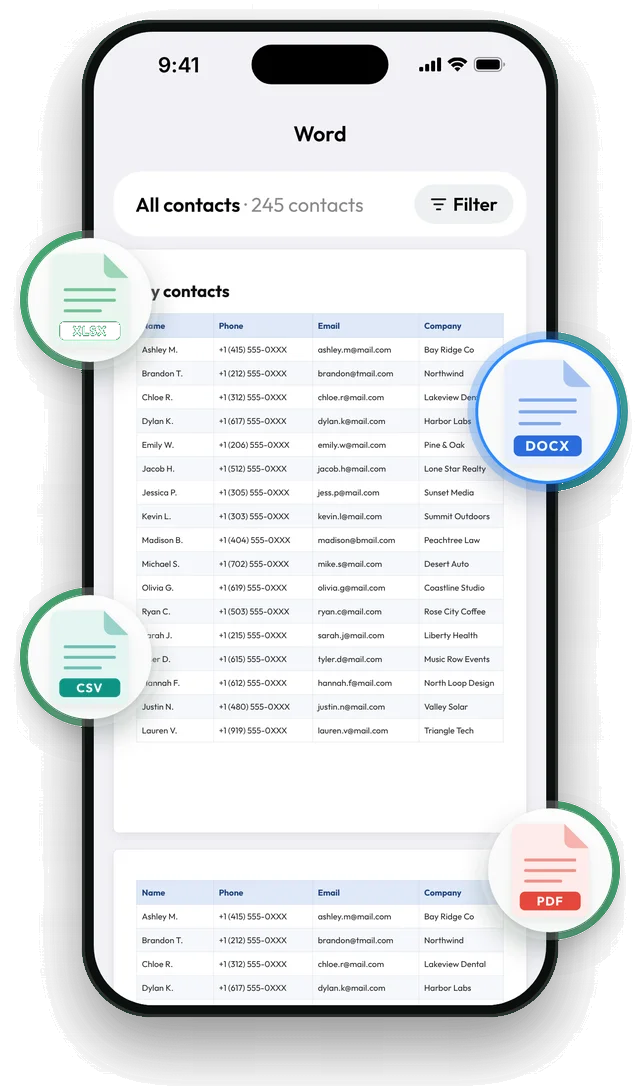
Make the list with Contaxo
Choose who goes on the list
Put the important people in one group. On iPhone, open Contacts › Lists › Add List and add them. A short list is easier to read than your whole address book.
Open PDF and keep two columns
In Contaxo, tap PDF, then the columns button, and keep only name and phone. With fewer columns the text gets larger.
Filter to the group
Use the filter to pick the group you made. The preview shows every page before anything is saved.
Export and print
Tap Export, then Print in the share menu, or save the PDF and print it elsewhere. Every page has a header row, so loose pages are still clear.
What makes a phone list easy to read
- Few people. Family, doctors, pharmacy, neighbours and emergency services. Leave out everyone else.
- Two columns. Name and phone number. Emails and addresses make the text smaller.
- Clear names. “Dr. Aydın (heart doctor)” is easier than a first name only. Edit the contact on your phone so the name says who it is.
- A copy by the phone and one in a bag. Paper works when the battery is empty or the phone is lost.
Without an app
- Mac: in the Contacts app, select the people, choose File › Print and pick the Lists style.
- Computer with iCloud: on icloud.com/contacts, select the contacts and choose Print Contacts.
- Android: on contacts.google.com, select the contacts and choose Print from the menu.
These print what the website or app decides. Contaxo lets you choose the columns, so the text can be larger, and works on the phone itself. See Export contacts to PDF.
Frequently asked questions
How can I make the letters even bigger?
Export to Word instead of PDF, open the file, select the table and raise the font size. You can also add a row for emergency numbers at the top.
Can I add notes like "Doctor" or "Plumber"?
Yes: export to Word and type the note in a new column. Or add the note to the contact's company or job title field on your phone so it is included every time.
How often should I update it?
Whenever someone important changes their number. Keeping the people in one group means you can print a fresh copy in a minute.
Is it free?
Yes for lists of up to 100 contacts, which covers most family phone books. Pro exports longer lists.
Related
- Export formatHow to export and print your contacts as a PDFMake a printable PDF contact list from your iPhone, iPad or Android phone. Choose the columns, preview every page and print or share it.
- Export formatHow to export your contacts to WordTurn your phone contacts into an editable Word (.docx) table for a phone list, directory or handout. Preview every page, choose columns and filter.
- GuideHow to share a contact list with a team, club or classGive everyone in a team, club, class or building the same contact list: one vCard file they add in one tap, or a printable PDF or Excel list. Works from iPhone and Android.
- PlatformContaxo for iPhone, iPad and MacExport iPhone contacts to Excel, PDF, CSV, Word and vCard, back them up to iCloud Drive, move them to a new phone with a QR code, import from files and merge duplicates.
Your contacts, in any file you need.
Free to download for iPhone, iPad, Mac and Android. No account, and we never see your contacts.